



Colour dots favicon pack

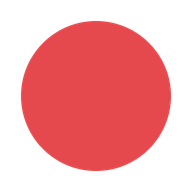
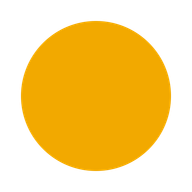
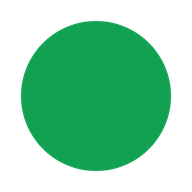
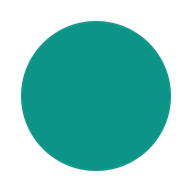
A free pack of 10 solid colour dot favicons, red, orange, amber, green, teal, blue, indigo, purple, pink, and slate. Each colour comes as a complete icon set, ready to unzip and use.

By Mike Wiberg · · 2 min read

Download this pack

10 icons, 248.0 KB zipped. Each one is a complete set: the .ico, the PNGs, the manifest, and the snippet.

Download ZIP

No account and no email address needed.

Every icon in this pack

Red
Red
Orange
Orange
Amber
Amber
Green
Green
Teal
Teal
Blue
Blue
Indigo
Indigo
Purple
Purple
Pink
Pink
Slate
Slate

Ten flat circles, one colour apart. No letter, no shape variety, just a dot: red, orange, amber, green, teal, blue, indigo, purple, pink, and slate. Built for a project that just needs its tab to look like something rather than the browser's blank default, or for telling a set of local environments apart by colour instead of by name.

What's inside

The download is one ZIP with 10 folders, one per colour. Open the folder for the colour you want and it contains a complete icon set: the same file list this site's own tool produces from an upload, generated by the same code.

  • favicon.ico, with three sizes layered in
  • favicon-16.png and favicon-32.png
  • apple-touch-icon.png
  • icon-192.png and icon-512.png
  • icon-maskable-512.png, padded for a home screen
  • site.webmanifest
  • a paste-ready head snippet

No account, and no email address, to download the ZIP.

Questions

Can I get a colour that isn't in the ten?

Not from this pack; the ten are fixed. The main tool can render any colour you like, but it needs a source image to work from, a plain colored square exported from any image editor is enough. Upload that and set the theme color to match.

Do these expire or get deleted?

No. That deletion timer applies to a file uploaded through the tool, not to a pack download. Once you have unzipped a folder, the files are yours to keep.

Which colour should I pick?

That depends on what you are telling apart: a color per environment (staging, production, a client's own instance) is a common use, and so is just picking the one that matches an existing brand color already in use elsewhere on the project.